You
What's the best way to store session tokens in a Next.js app? Should I use cookies or localStorage?
What's the best way to store session tokens in a Next.js app? Should I use cookies or localStorage?
Use HttpOnly cookies — not localStorage. Here's why:
Secure and SameSite=Lax flags for CSRF protection.For a Next.js app, the recommended pattern is to set the cookie in a Route Handler or Server Action, using a signing library like jose for JWT tokens.
Can you show me how to do the signing with jose? We're already using it in the project.
Your project already has this wired up in src/auth/session.ts. Here's the relevant signing logic:
const token = await new SignJWT({ sub: userId, sid: sessionId }).setProtectedHeader({ alg: 'HS256' }).sign(getSecret());
The key things to note:
getSecret() reads SESSION_SECRET from env — never hardcode the signing key.SESSION_TTL is 7 days — adjust to your session policy.verifySession() which calls jwtVerify.Perfect. One more thing — how should the cookie be set in the response? We're using Route Handlers.
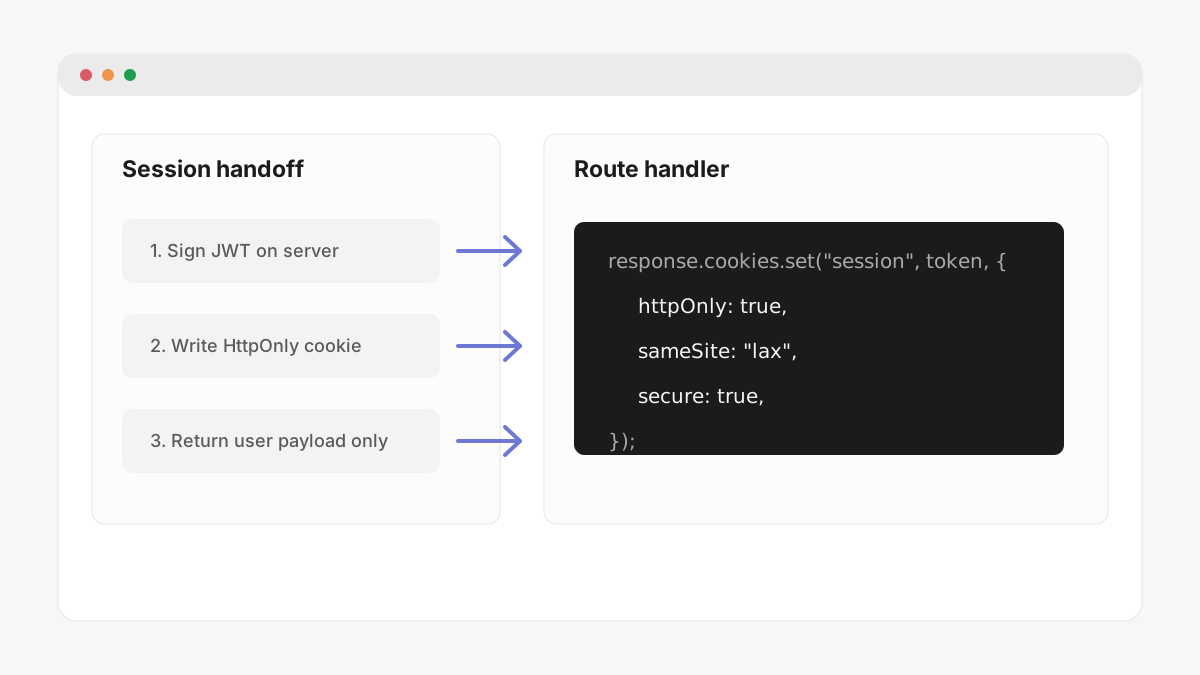
In a Route Handler, use NextResponse with .cookies.set():
const response = NextResponse.json({ ok: true });response.cookies.set("session", token, { httpOnly: true, secure: true, sameSite: "lax",});